The Smart Digital Mosque Display
Remotely manage prayer times, announcements, slides, and audio broadcasts for every screen in your mosque — from one mobile app. Built to keep working even when the internet doesn't.
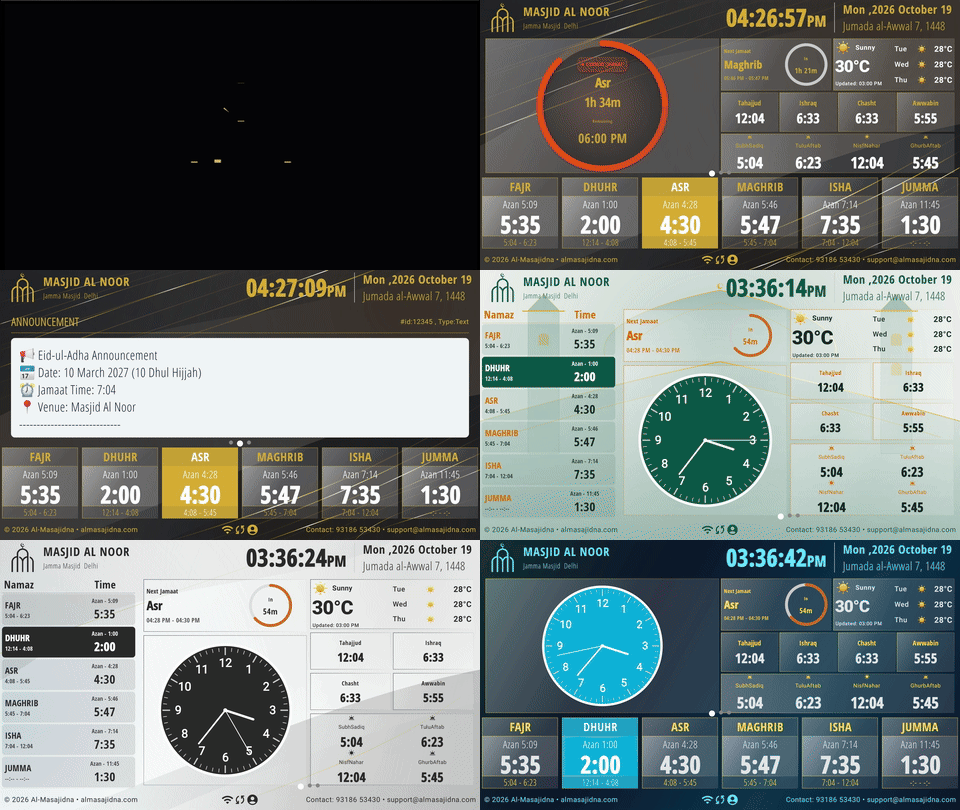
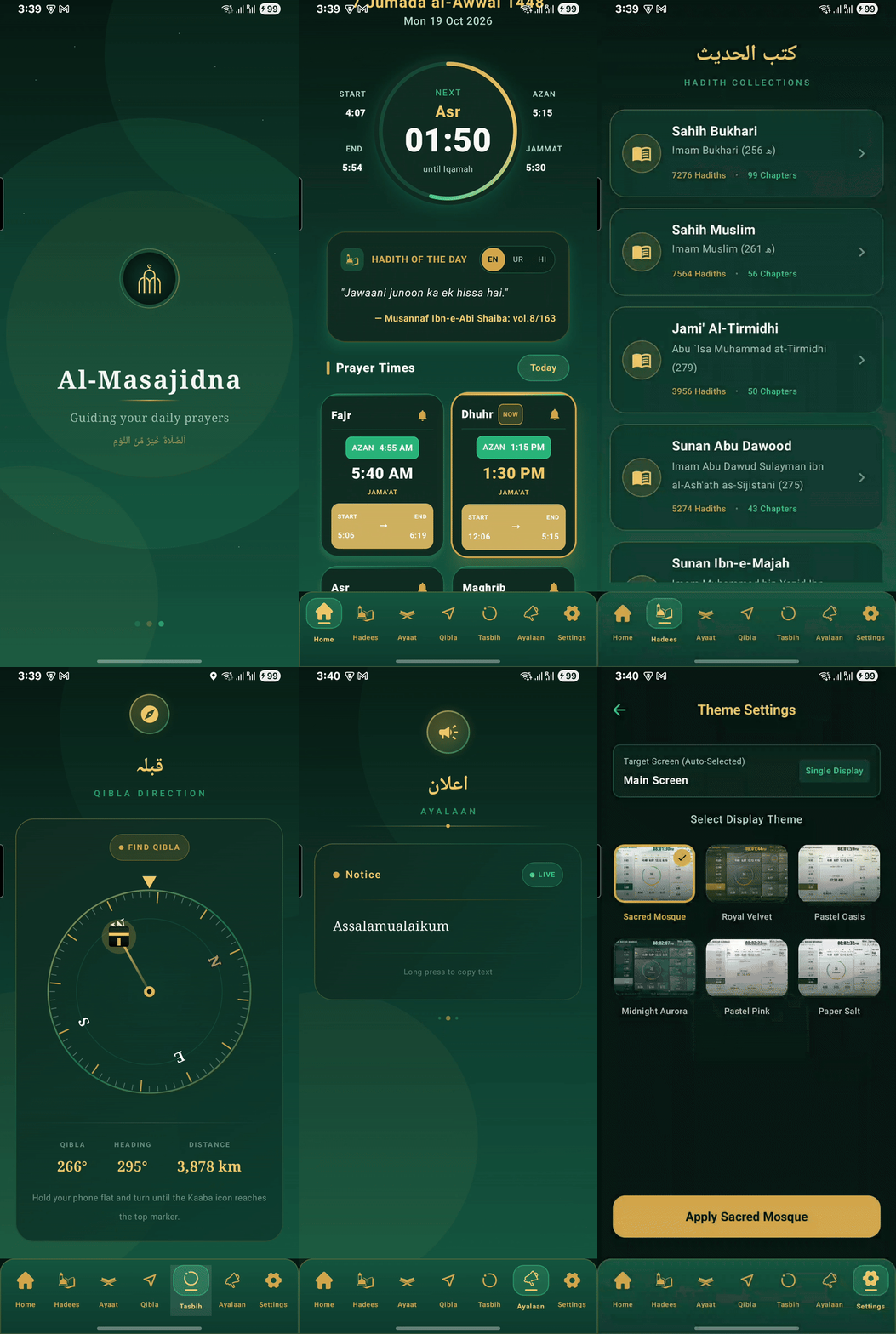
Every screen your mosque needs, connected.
Smart Screens, tablets, kiosks, LED walls, the mobile app, and the admin dashboard — all synced from a single source of truth.
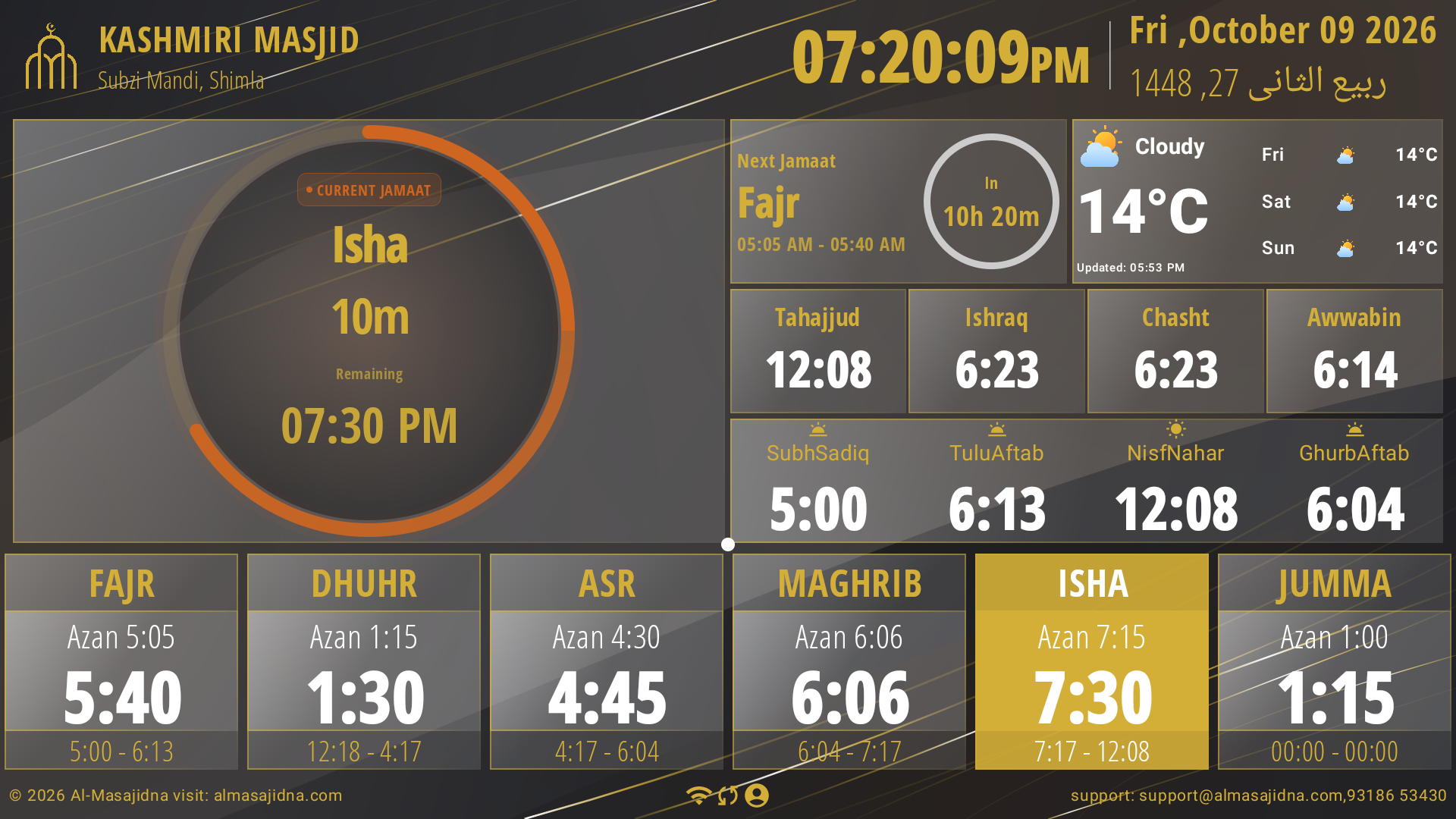
Smart Screen
The primary wall-mounted mosque display.
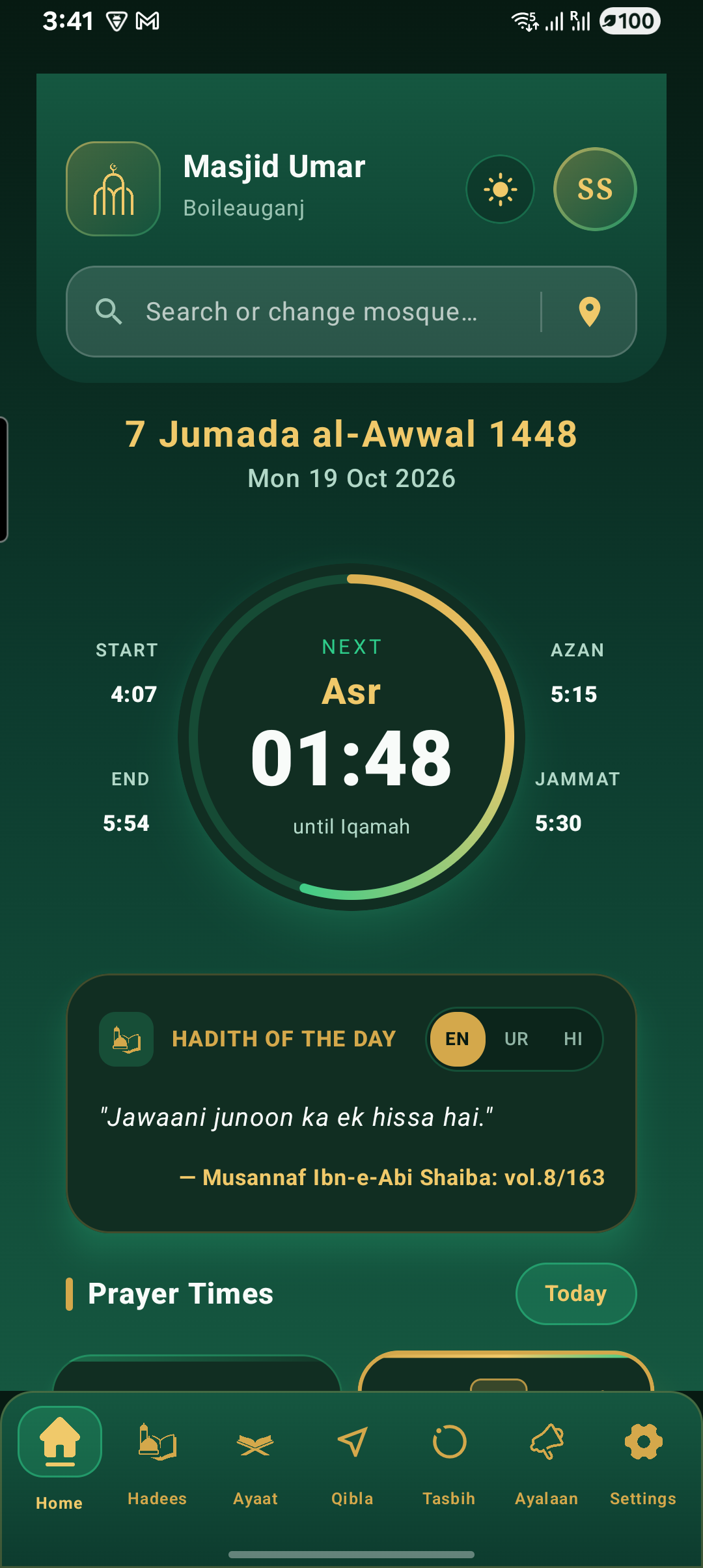
Mobile App
Manage everything from your pocket.
Tablet
Reception-desk or side-hall companion display.
Kiosk Display
Freestanding lobby & entrance kiosk.
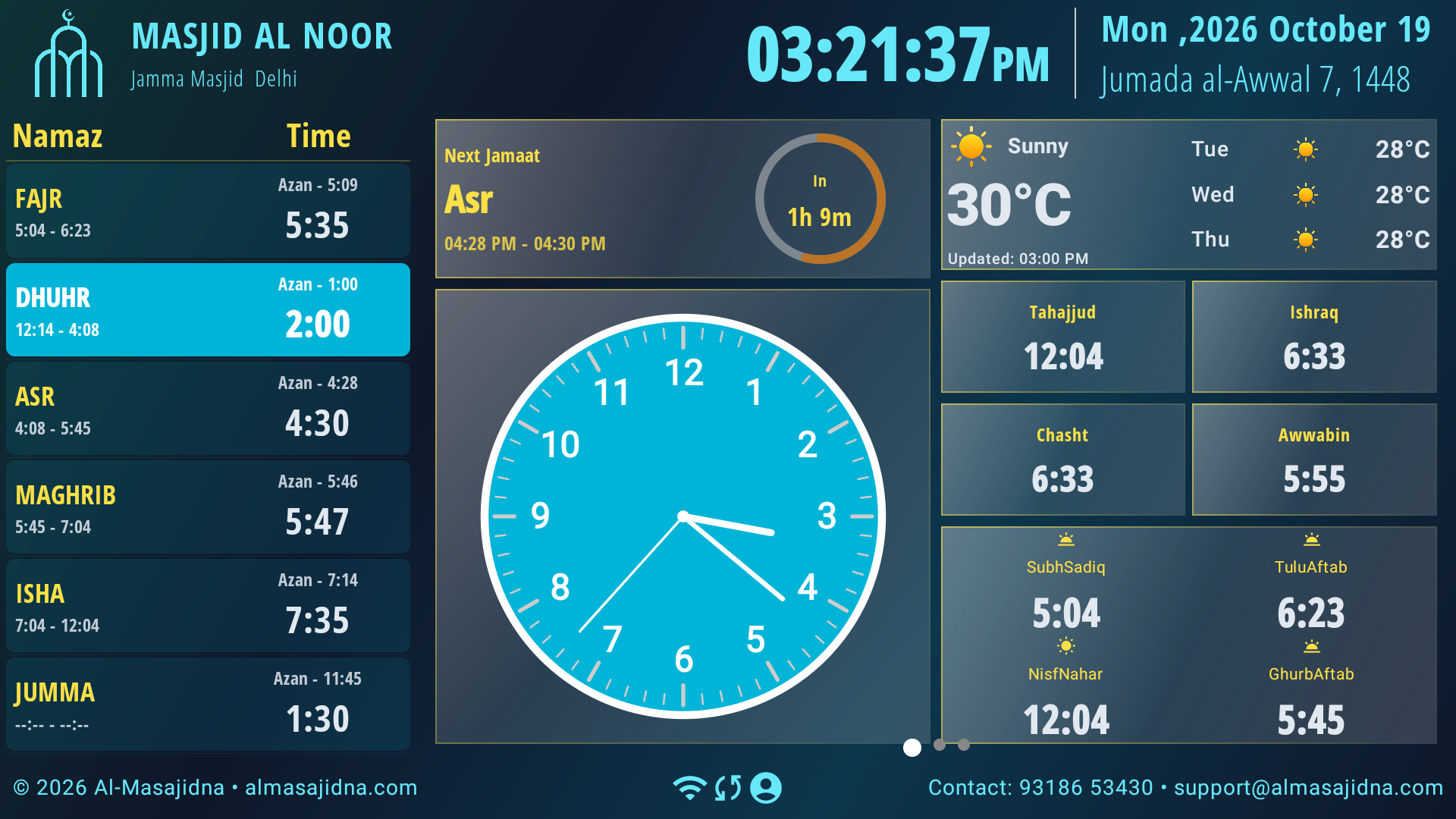
LED Wall
Ultra-wide LED for large prayer halls.
Admin Dashboard
The command center for every connected screen.
One dashboard. Every mosque display, everywhere — always in sync.
Update prayer times, jamaat schedules, and Ramadan calendars in seconds — pushed instantly to every screen.
Share announcements, events, and donation appeals the moment they matter, no cables required.
No internet? No problem. Every screen keeps running on its last synced data until the connection returns.
Your mosque, managed from your pocket.
Everything a screen shows is controlled from the Masjidna mobile app — from prayer times to slides to audio, no on-site device needed.
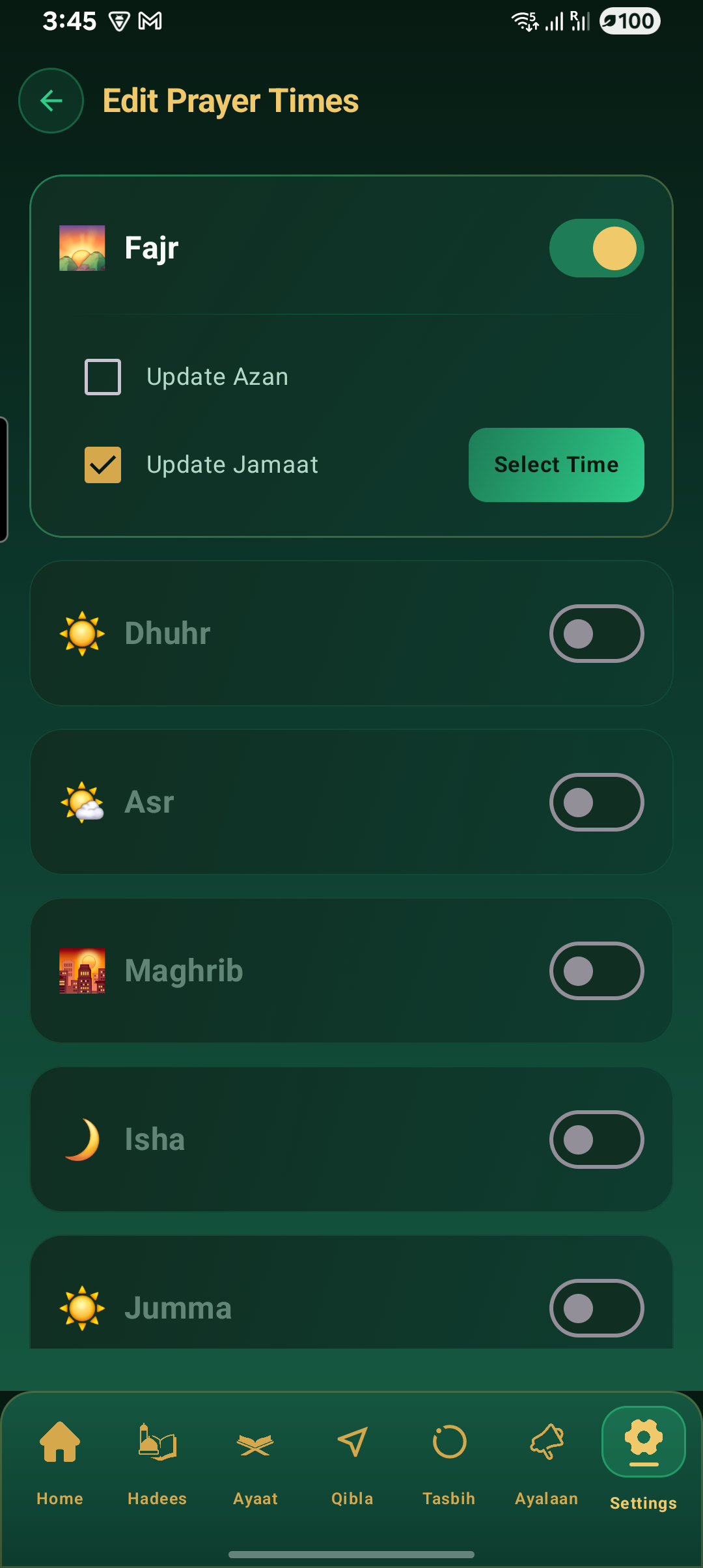
Edit prayer & jamaat times in seconds
Adjust Fajr, Dhuhr, Asr, Maghrib, and Isha timings — including automatic Ramadan and Jumma schedules — and push them to every connected screen instantly.
Works perfectly without internet.
Every screen stores its own copy of prayer times, slides, and themes locally. The moment a connection returns, it syncs automatically — no manual steps, no missed updates.
- Upload device status
- Receive new announcements
- Receive updated prayer times
- Receive new slides
- Receive new themes
Your community, always in the loop.
When prayer timings change or an announcement goes out, subscribed members get notified instantly — no more relying on word of mouth.
Everything worshippers need, at a glance.
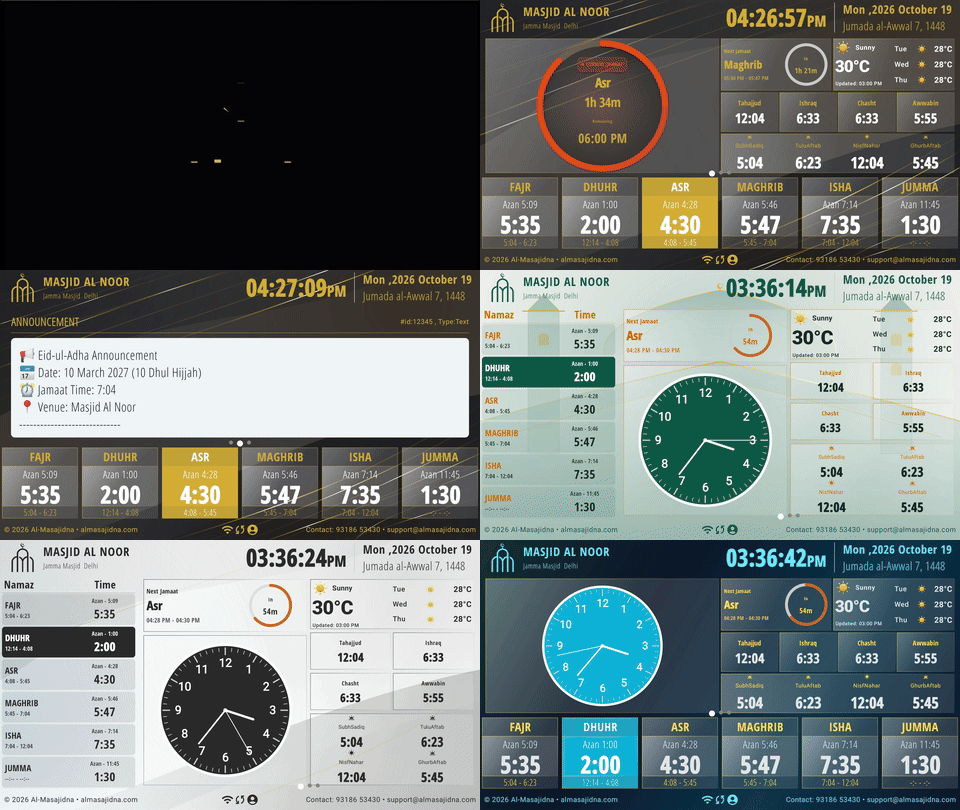
A single screen, fully configurable — choose where the announcement bar and prayer list sit without touching a single wire.
Upload once. Live on every screen.
Push images, videos, PDFs, quotes, posters, ads, and alerts from the app — every connected display updates automatically.
Jumu'ah Khutbah — Live
Masjid Al-Noor · Auto-playing
Sound, scheduled and synced.
Upload once, and Masjidna handles the rest — playback triggers automatically at the right time on every screen with a speaker.
- Adhan announcements
- Friday Khutbah recordings
- Islamic lectures
- Ramadan reminders
- Emergency announcements
Make it unmistakably your mosque.
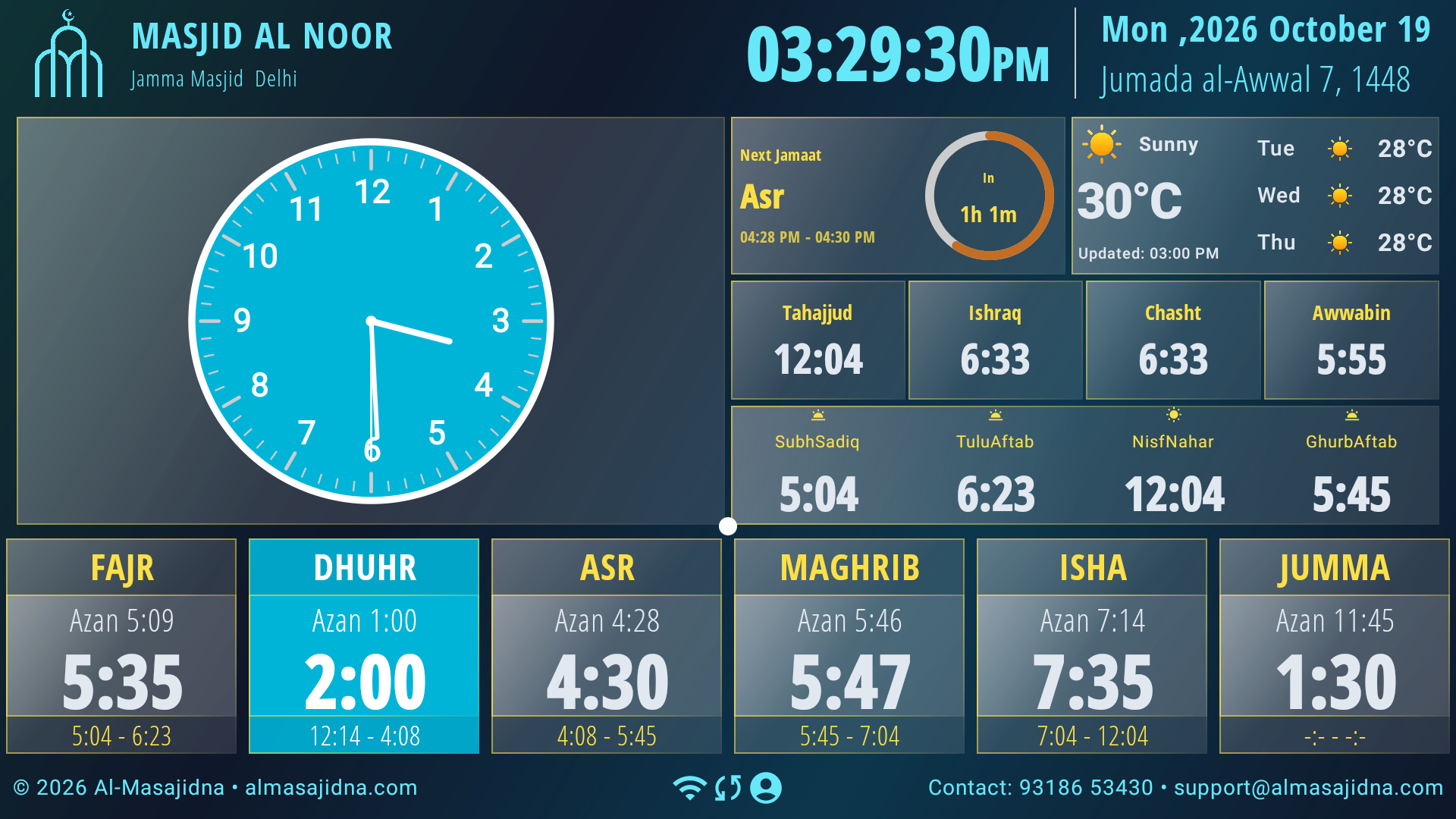
Pick a style preset, then fine-tune colors, typography, and your logo — previewed live before it ever reaches a screen.
Speak your community's language.
Masjidna displays and app screens support English, Hindi, and Urdu — including full right-to-left layout for Urdu — so every worshipper feels at home.
Jumu'ah Prayer
Khutbah begins at 1:15 PM at Masjid Al-Noor.
One cloud. Every device, in sync.
Mobile app, tablets, smart screens, and the admin dashboard all stay connected — across as many mosques as you manage.
One app. Complete control.
Every part of your mosque's digital presence, designed for a phone in your pocket.
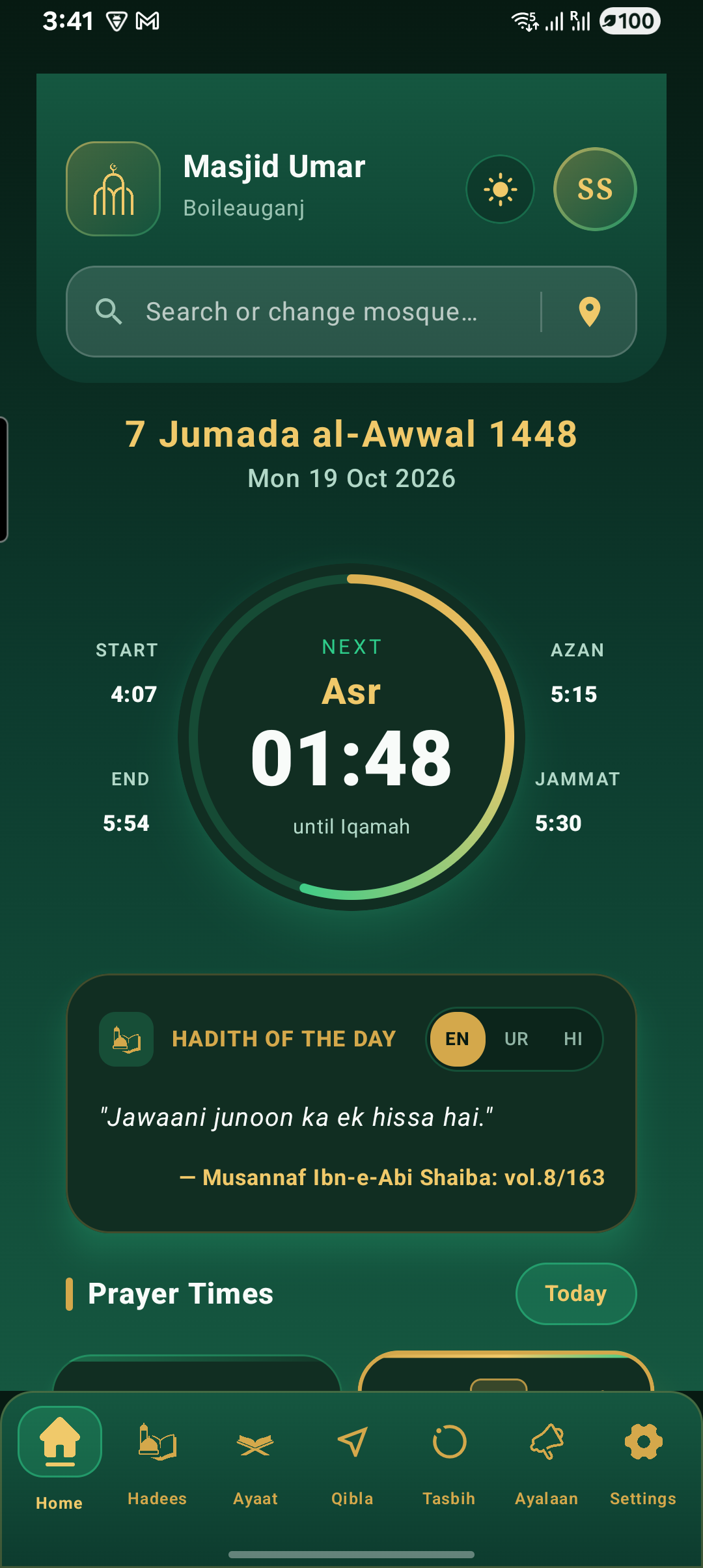
Dashboard
A live overview of every screen and update.
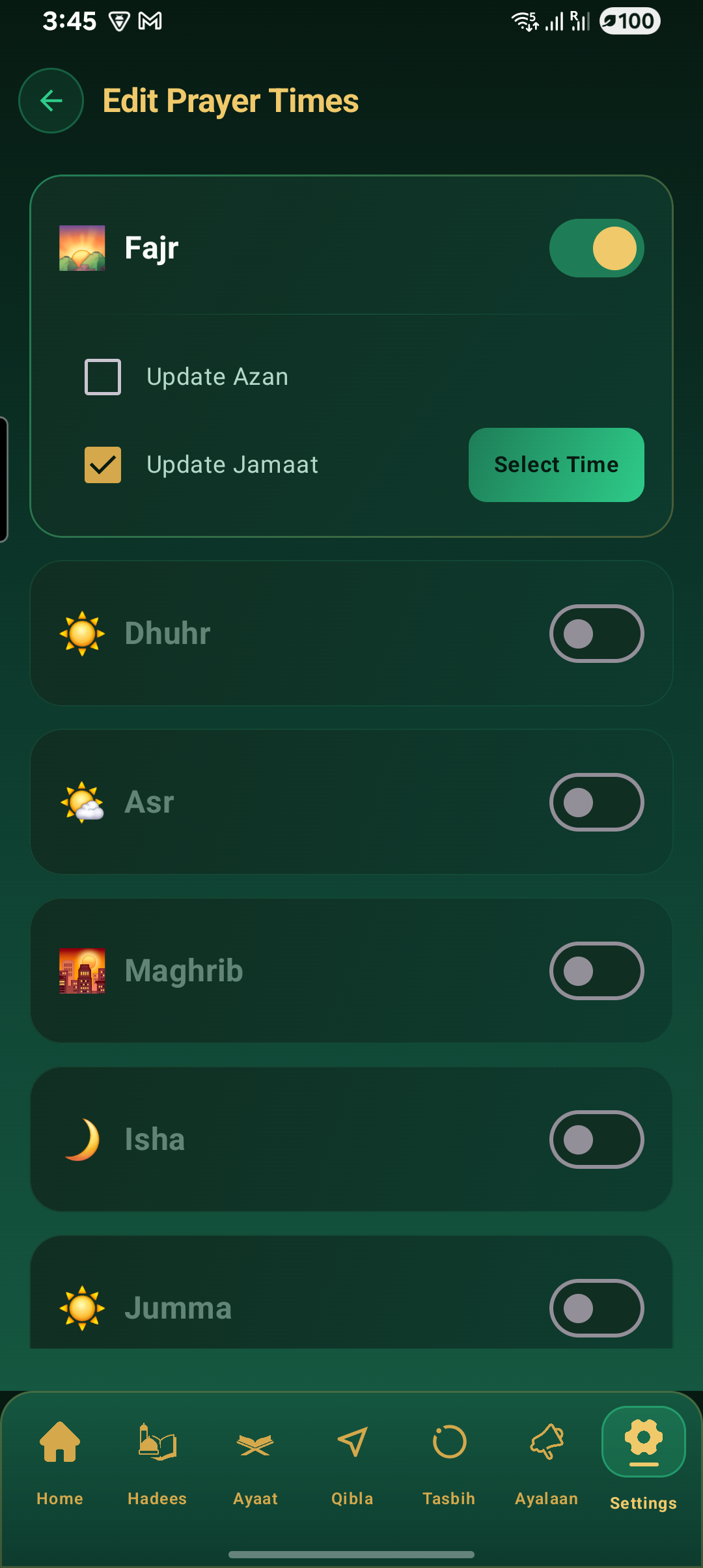
Prayer Times
Edit and schedule prayer & jamaat timings.
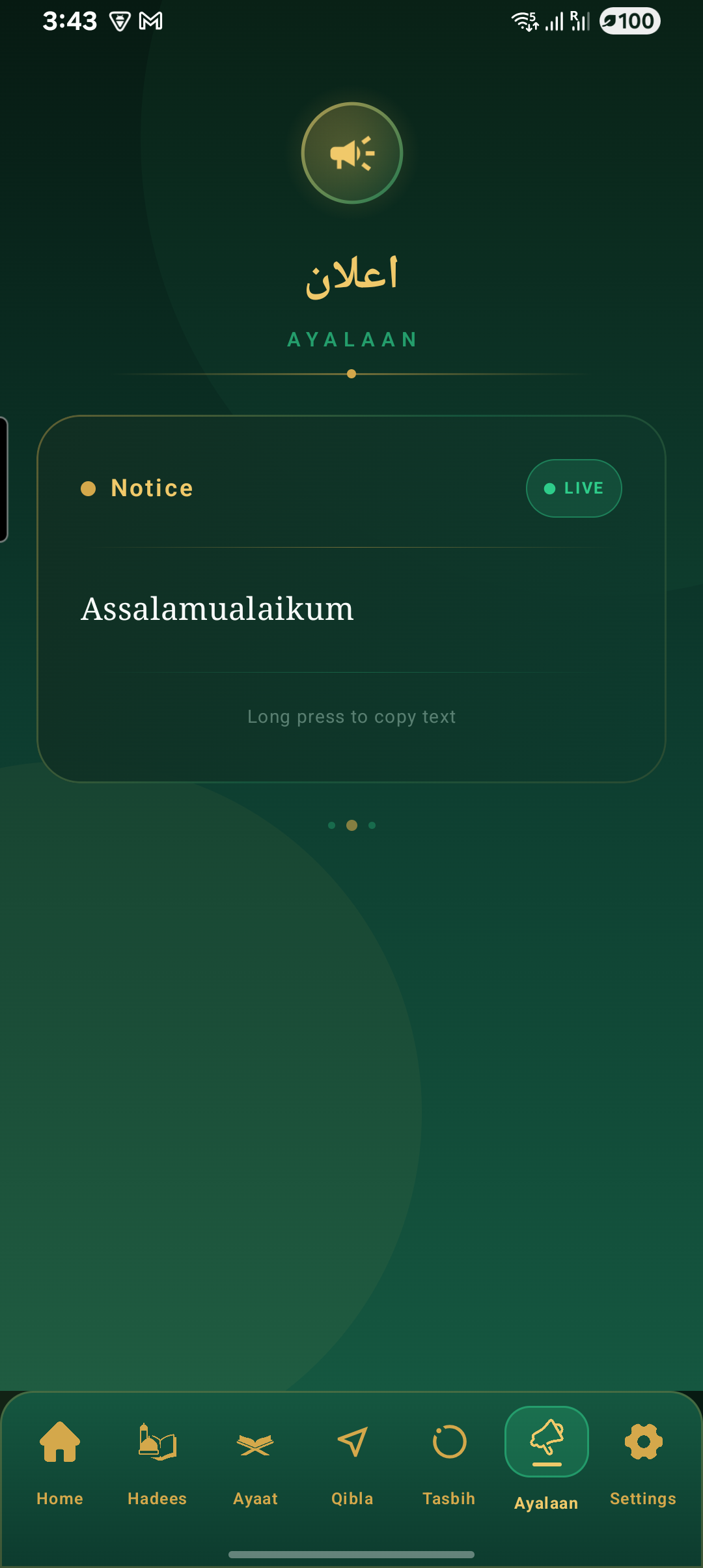
Notifications
Every alert sent to your community.
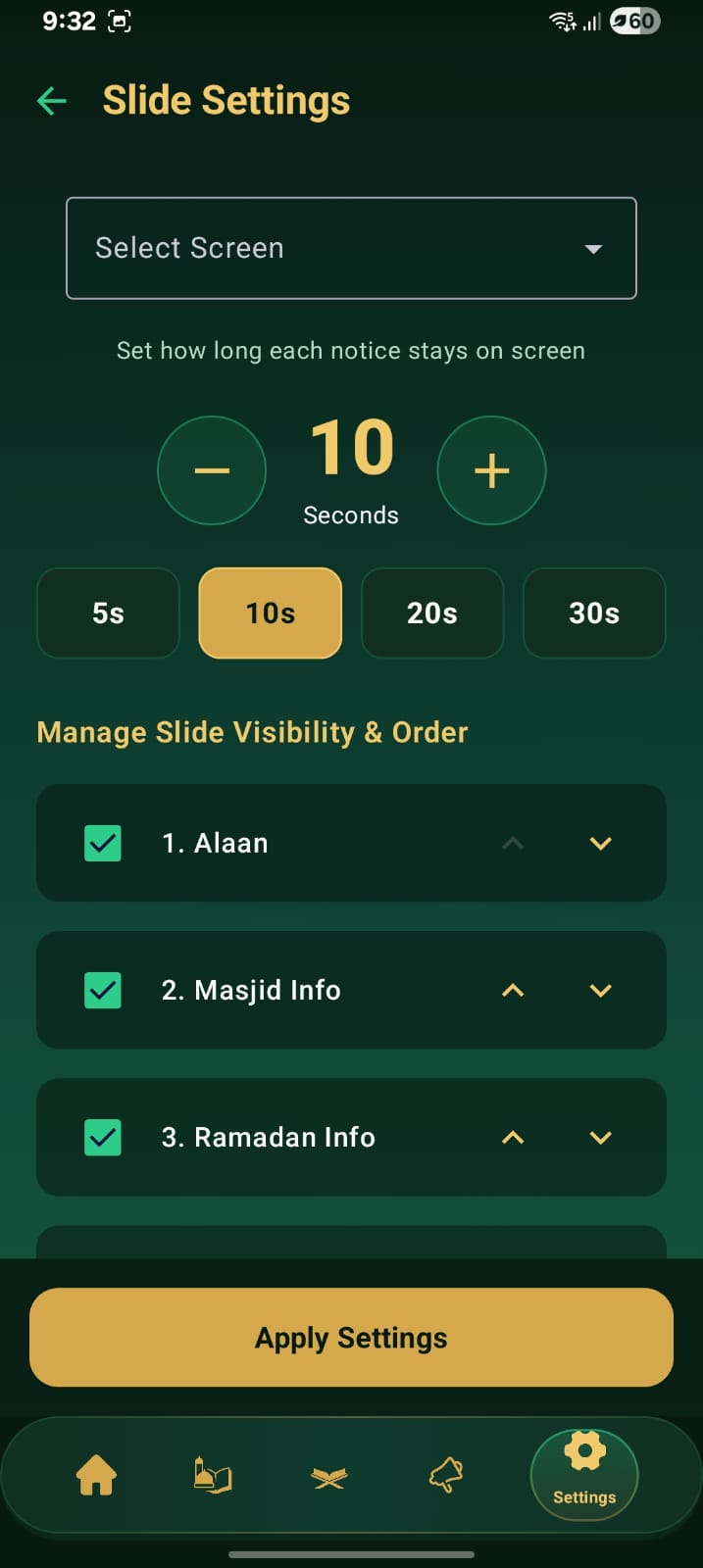
Slides
Upload and manage display content.
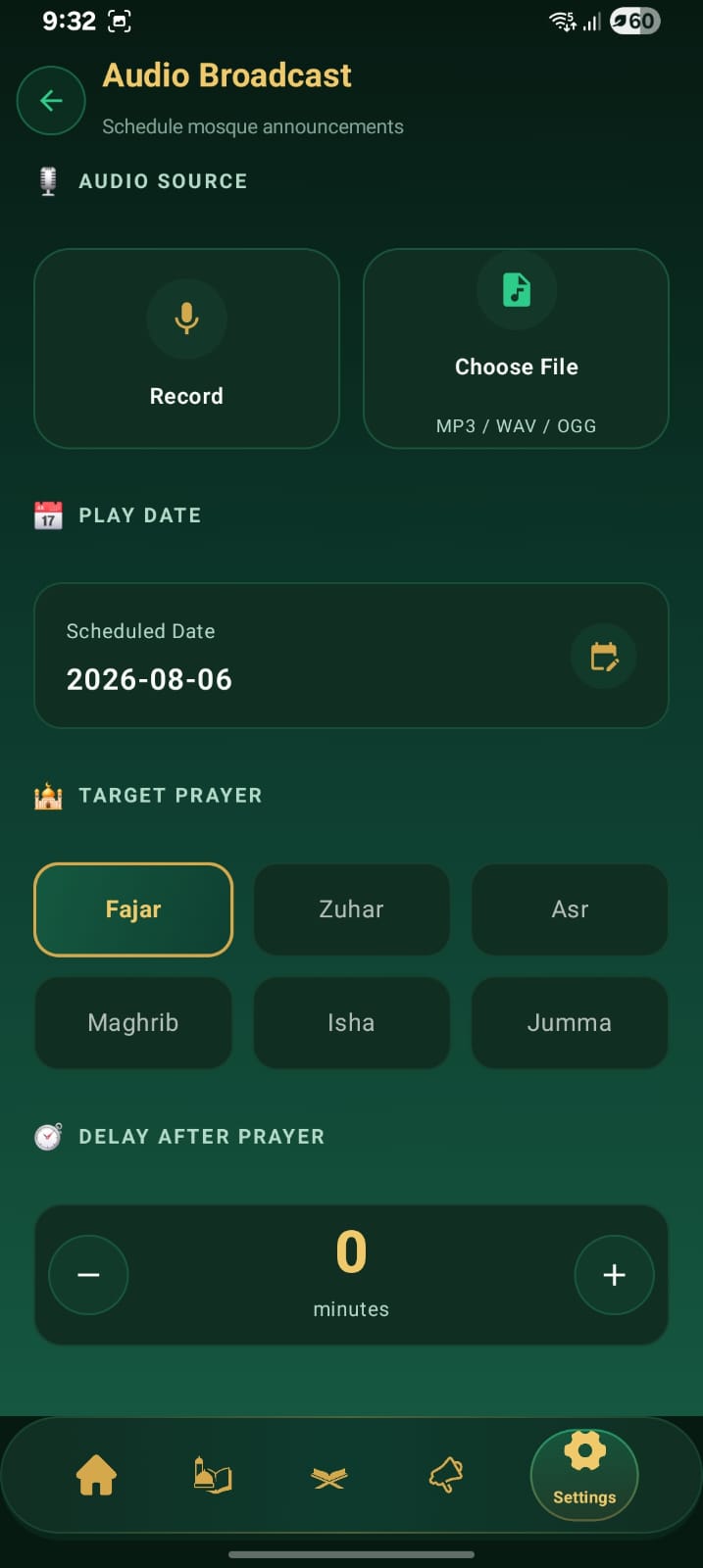
Audio
Schedule Adhan, Khutbahs, and reminders.
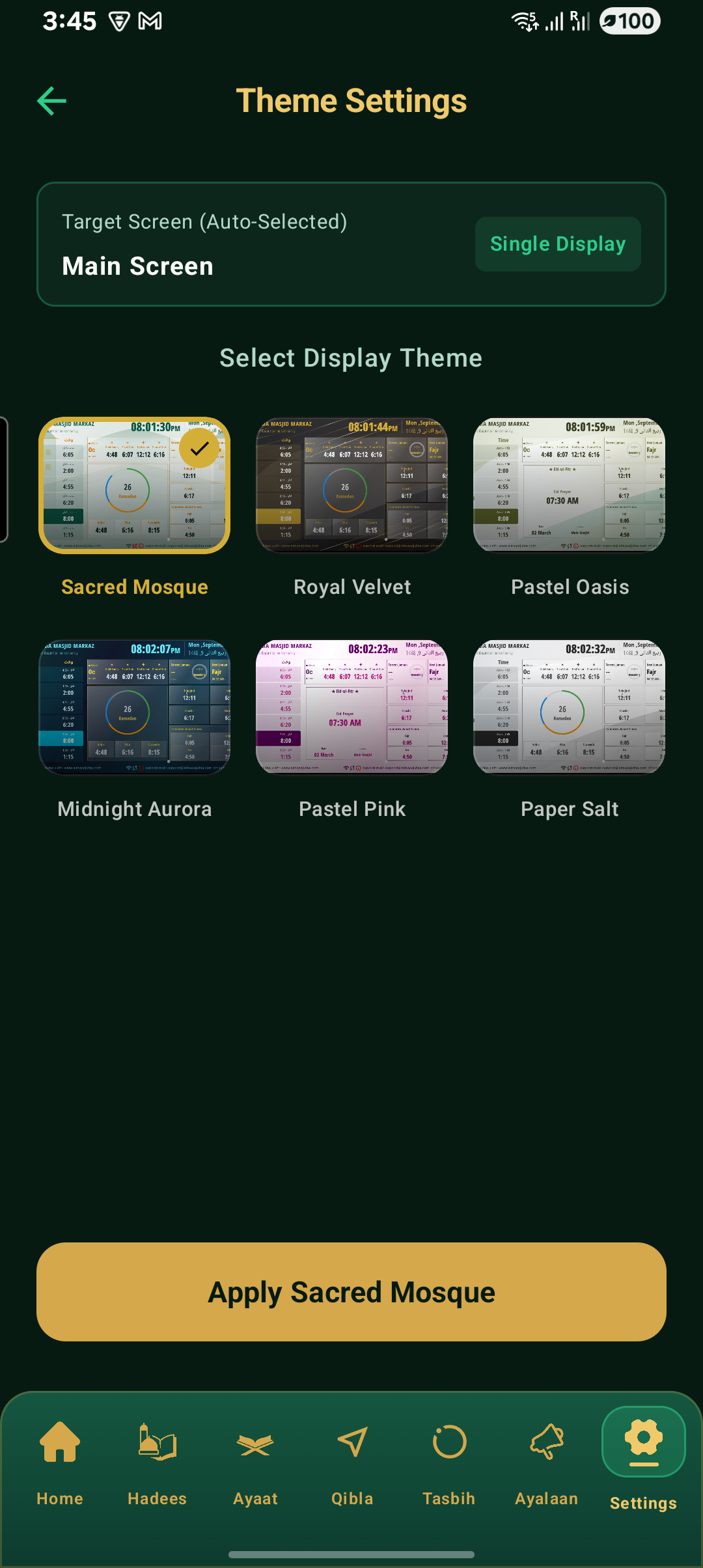
Themes
Style your screens to match your mosque.
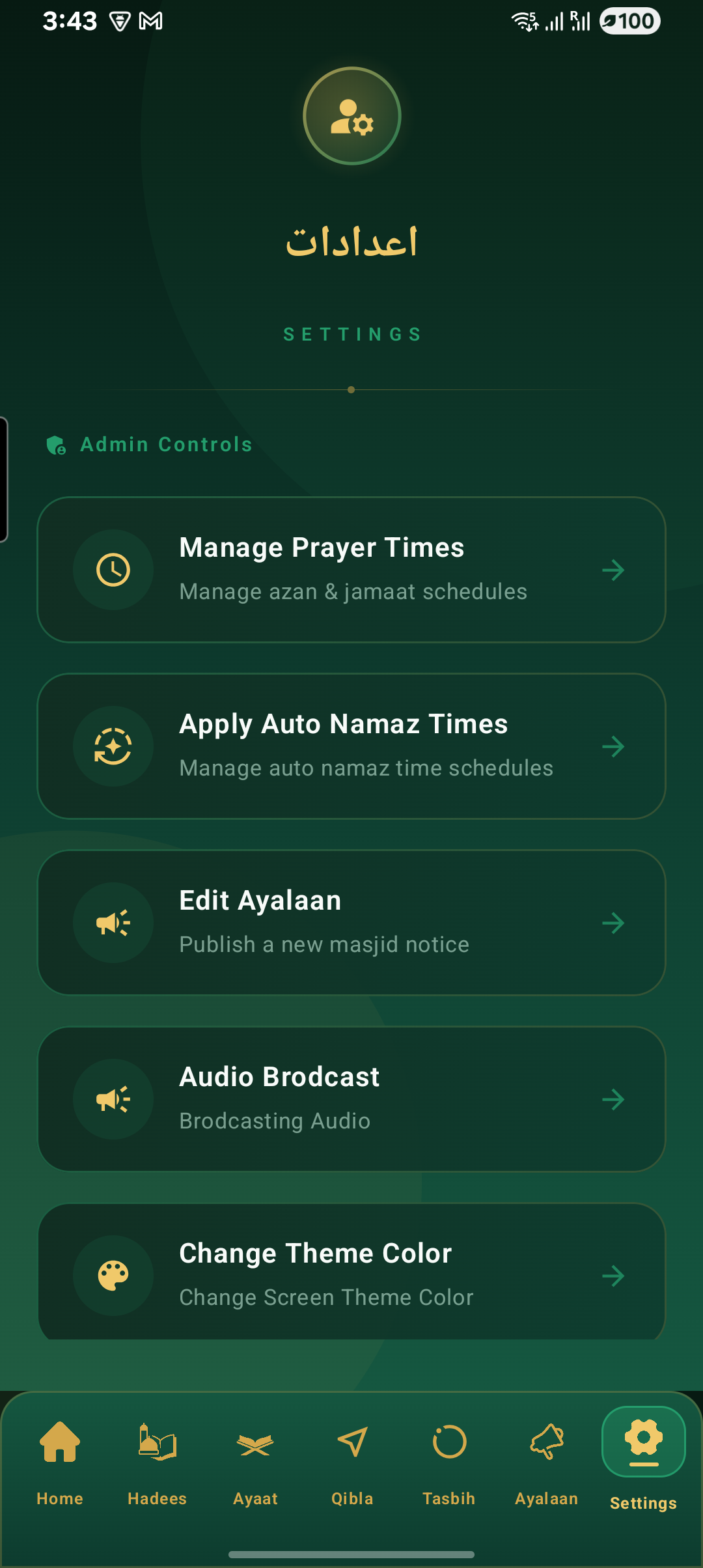
Settings
Mosque details, language, and devices.
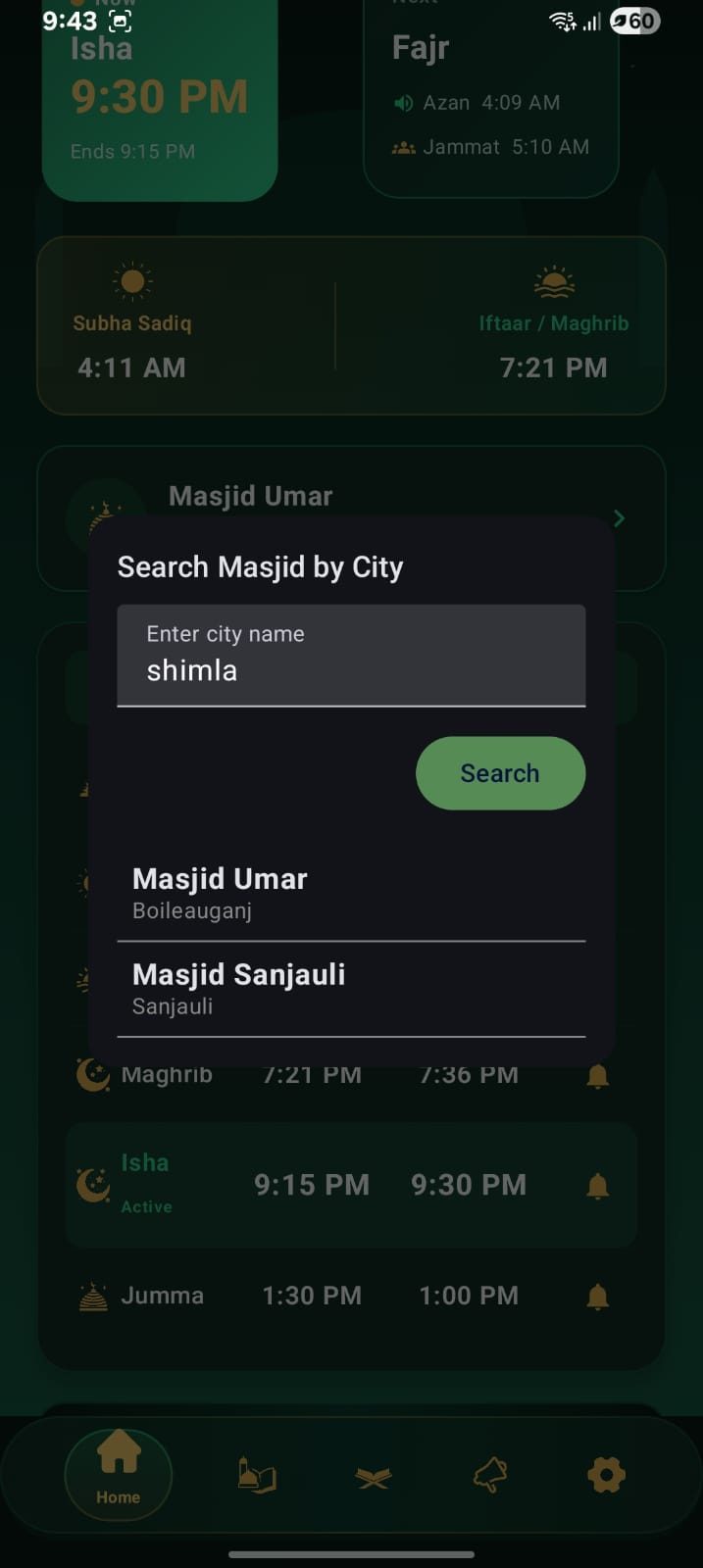
My Mosques
Manage multiple locations from one app.
Command every mosque from one screen.
Analytics, device health, storage, slides, prayer times, notifications, subscribers, and audio — the full picture, always current.
Screens Online
12 / 12
Storage Used
64%
Today's Notifications
248
Subscribers
3,204
Weekly Engagement
Last 12 weeksConnected Devices
92% fleet uptime this month
Everything a modern mosque needs.
Built for reliability, designed for administrators, and effortless for the community.
Remote Management
Control every screen from a single mobile app — no on-site device required.
Offline First
Screens keep running on local data even when the internet drops.
Cloud Sync
Updates propagate to every connected display the moment you're back online.
Live Notifications
Push instant alerts to subscribed members when anything changes.
Prayer Management
Fajr to Isha, jamaat times and Jumma schedules, all editable in seconds.
Audio Broadcast
Schedule Adhan, Khutbahs, and reminders to auto-play on cue.
Slide Management
Images, videos, posters, and alerts — synced to every screen instantly.
Ramadan Tools
Auto-adjusting Suhoor, Iftar, and Taraweeh schedules for the whole month.
Theme Customization
Match your mosque's identity with layouts, colors, and typography.
Multi-language
English, Hindi, and Urdu — with full right-to-left support.
Fast Synchronization
Changes reach every screen in seconds, not minutes.
Easy Installation
Unbox, connect, pair with the app, and you're live in minutes.
Live in five simple steps.
No technical team required — most mosques are fully set up in under fifteen minutes.
Step 1
Install Screen
Mount the Smart Screen and power it on.
Step 2
Connect Internet
Join Wi-Fi or Ethernet for first-time setup.
Step 3
Pair Mobile
Scan the on-screen QR code with the app.
Step 4
Configure Mosque
Add prayer times, details, and preferences.
Step 5
Done
You're live — manage it from anywhere.
Trusted by mosque communities.
Hear from the administrators and volunteers running Masjidna every day.
“We update prayer times once from the app and every screen in the mosque changes instantly. No more printed schedules taped to the wall.”
Imam Yusuf Rahman
Head Imam · Masjid Al-Noor
“The offline mode saved us during a week-long outage. The screen never went blank — it just kept showing accurate prayer times.”
Bilal Ahmed
IT Volunteer · Masjid Ar-Rahman
“Announcing Jumma reminders and community events used to take hours of manual work. Now it's a two-minute job from my phone.”
Fatima Siddiqui
Community Coordinator · Islamic Center of Fremont
“Setting up was genuinely fifteen minutes — mount the screen, connect Wi-Fi, pair the app, done. Our committee was stunned.”
Omar Farouk
Board Member · Masjid Al-Furqan
“Managing prayer times across our three branch mosques from one dashboard has been transformative for our organization.”
Hafsa Malik
Operations Lead · Unity Islamic Trust
Questions, answered.
Everything you need to know before bringing Masjidna to your mosque.
Yes. Every Smart Screen stores prayer times, slides, themes, and settings locally. It keeps displaying accurate information indefinitely — internet is only needed to push new updates or sync changes.
The screen automatically detects the connection, syncs any pending updates from the cloud, uploads its status, and resumes real-time mode — no manual steps required.
Yes. The Professional and Enterprise plans support multiple mosques from a single dashboard, each with its own prayer times, screens, and content.
Any standard smart TV, monitor, tablet, or Android display with an internet connection works. We also offer pre-configured Smart Screen and kiosk hardware for a plug-and-play setup.
Most mosques are fully set up in under fifteen minutes: mount the screen, connect to Wi-Fi, pair it with the mobile app, and configure your mosque details.
All data is encrypted in transit and at rest, with role-based access for admins, editors, and viewers, so only authorized people can make changes.
Let's bring your mosque online.
Request a live demo, ask a business question, or get support — our team typically replies within one business day.